 Kinwhistle
One day you'll want to hear her voice again.One big button. Grandma presses it and talks.Only Grandma knows who is in your family's old photos.
Keep your family's memories in one place. The photos, the stories and the voices that tell them.
Kinwhistle is coming to the App Store for iPhone.
Sunday at Grandma's
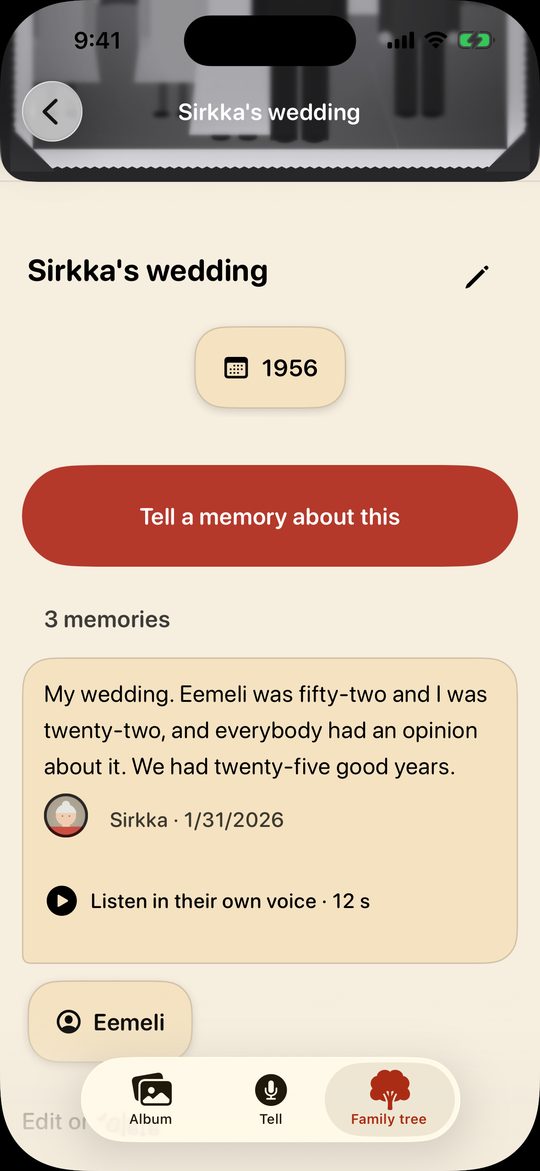
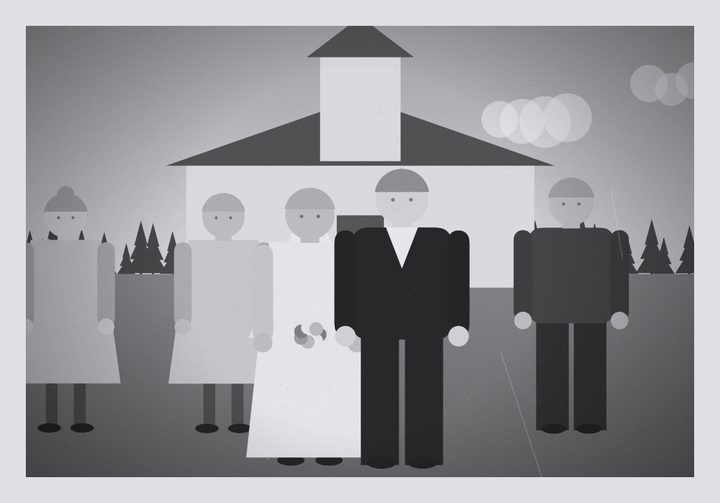
The coffee is poured, and the old album lies open on the table. “That's our wedding,” Grandma says, pointing at a small black-and-white picture. You photograph it with your phone, press the big button and let her talk. Relatives far away can listen on their own iPhones. Years from now, your children press play and hear Grandma tell it herself.
-
Her own voice, not just her words
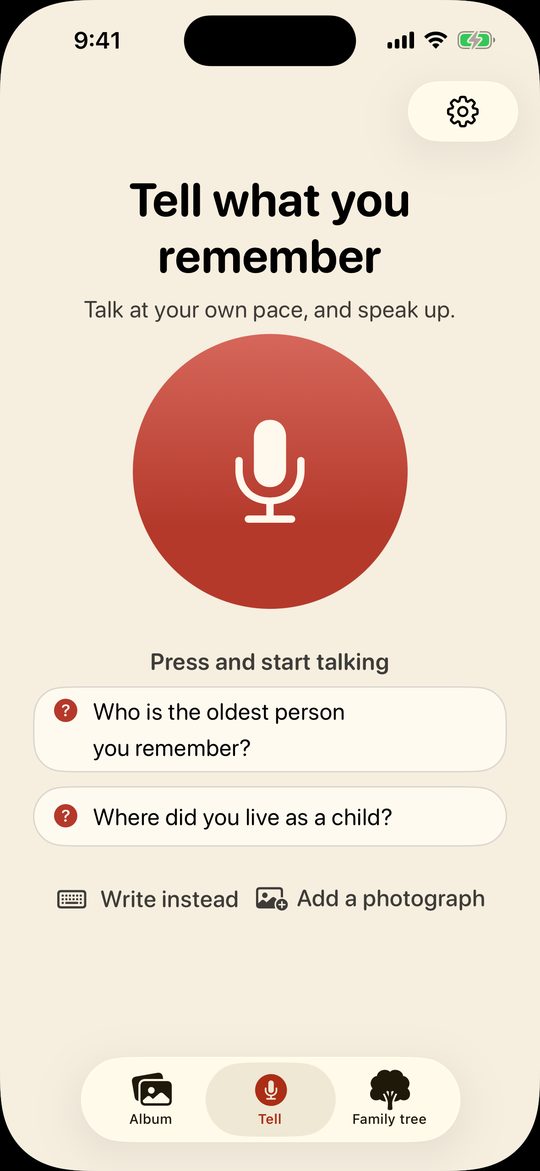
She presses the big button and talks. The recording itself is kept, and the text never replaces it, so anyone in the family can press play and hear her.
-
Old photos get their stories
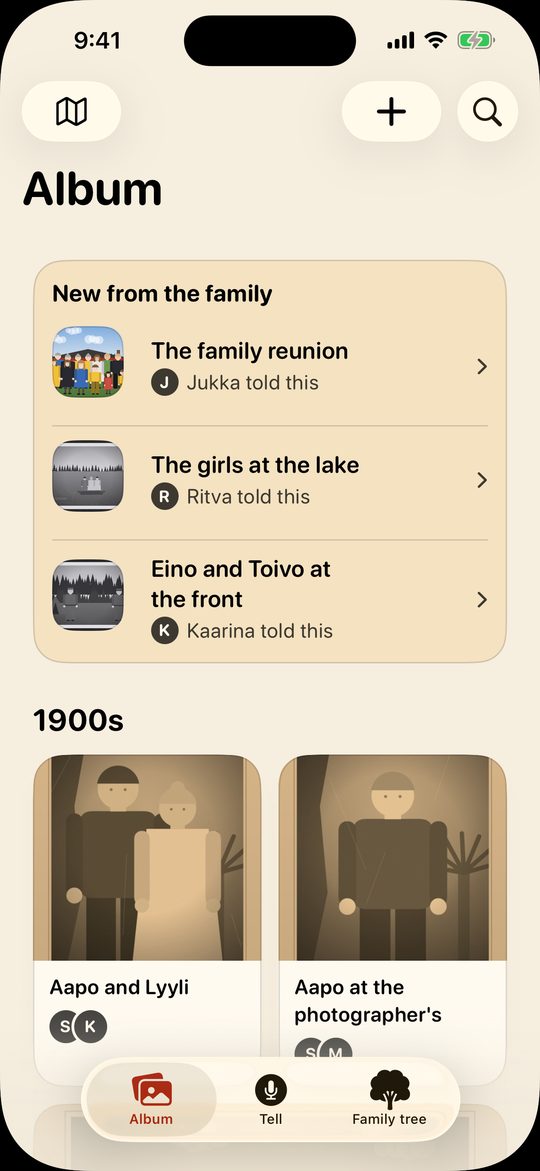
Photograph the prints from the album with your phone. Everyone can tell what they remember about each one, and the memories gather around the photos, the people and the places.
-
The whole family hears it, wherever they live
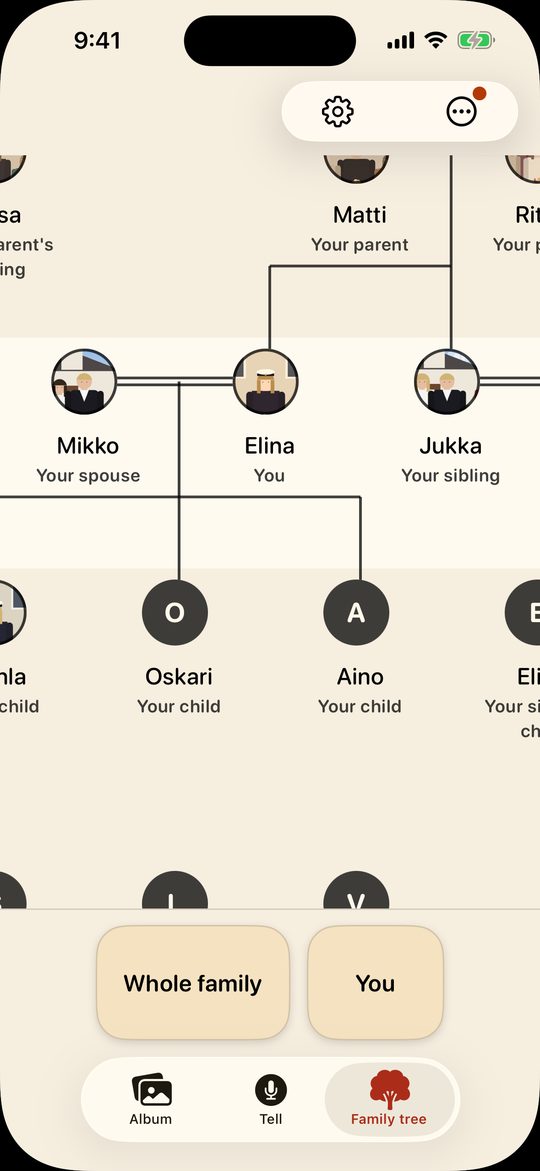
Invite the children, grandchildren and cousins with a link or a QR code. Everyone listens on their own iPhone and adds what they remember, and together you build the family tree. A name the app suggests joins the tree only when someone in the family confirms it.
On Grandma's terms
-
One big button
Press it, talk, and press again when you're done.
-
No passwords
No password and no email address. She joins with an invitation from the family.
-
Larger text if she wants it
Kinwhistle asks right at setup whether to use larger text.
-
Telling is always free
She can tell as much as she likes, whether or not the family has a subscription. Her voice is saved either way.
-
Your iPhone works too
No smartphone of her own? She can tell on yours. After each telling, the app asks who told it.
No ads and no tracking. Our server keeps what your family tells locked with your family's own key, and you can take the whole archive with you as one file. Read the privacy policy
Why I made Kinwhistle
I have no memories of my great-grandmother, but I went to her memorial to learn more about her. There were about twenty of us, and I was sure every one of them had stories. They needed something to start from.
My grandma has told stories into Kinwhistle on a real iPhone. “How do I know it's saved?” she asked, so the screen now says so while it waits. It is on her own iPhone too, and because her phone is in our family archive, I can listen to her stories any time, in her own voice.
Start with one photo.
Next time you're at Grandma's, ask her about one picture in the album.
Questions
When can I get it?
Soon. Kinwhistle is coming to the App Store for iPhone.
What do I need?
An iPhone with iOS 17 or later. Everyone in the family can use their own iPhone. Grandma can also tell on yours, because after each telling the app asks who told it.
Does Grandma have to learn anything?
There is no password, so there is nothing to remember. Once Kinwhistle is on her iPhone, show her an invitation code on your own phone. She points her camera at it, and when Kinwhistle appears, she taps it. If you write her name in the invitation, she doesn't have to type anything. After that, she just presses the big button and talks.
Can children tell too?
Yes. A child needs no phone or invitation of their own, only your iPhone to speak into. When the app asks who told it, add the child's name, and it goes beside the memory. The recording is kept, so years from now they can hear themselves at that age.
Who can hear our recordings?
The people your family invites. If you allow it, a recording is also sent to an AI service that writes the speech down as text. The service is not allowed to use it for training, but it may keep it for a while. The privacy policy says exactly what is sent and where.
Who pays?
Whoever in the family wants to. Telling is always free. The free archive has room for a limited number of photographs, and a limited amount of speech is written down as text each month. If the month's time runs out, her voice is still kept. One member's subscription raises the limits for the whole family.
Can we take our archive with us?
Yes. Settings saves the whole archive as one file, with every photo and the original recordings. Its page opens in an ordinary web browser, without Kinwhistle.